
Adhoc Reservas
The Reserve button on your listing opens your page
The guest picks a day, a time and a party size, and confirms on your page. Adhoc handles availability, the floor and the notifications.
This is not booking inside Google Maps yet. That starts if Google accepts Adhoc as a partner. Until then, the button on your listing already opens your page.
What Reservations includes
Shifts, the floor, confirmation, and a page of its own for each venue.
- Shifts and roomsThe day of service, with its shifts and rooms.
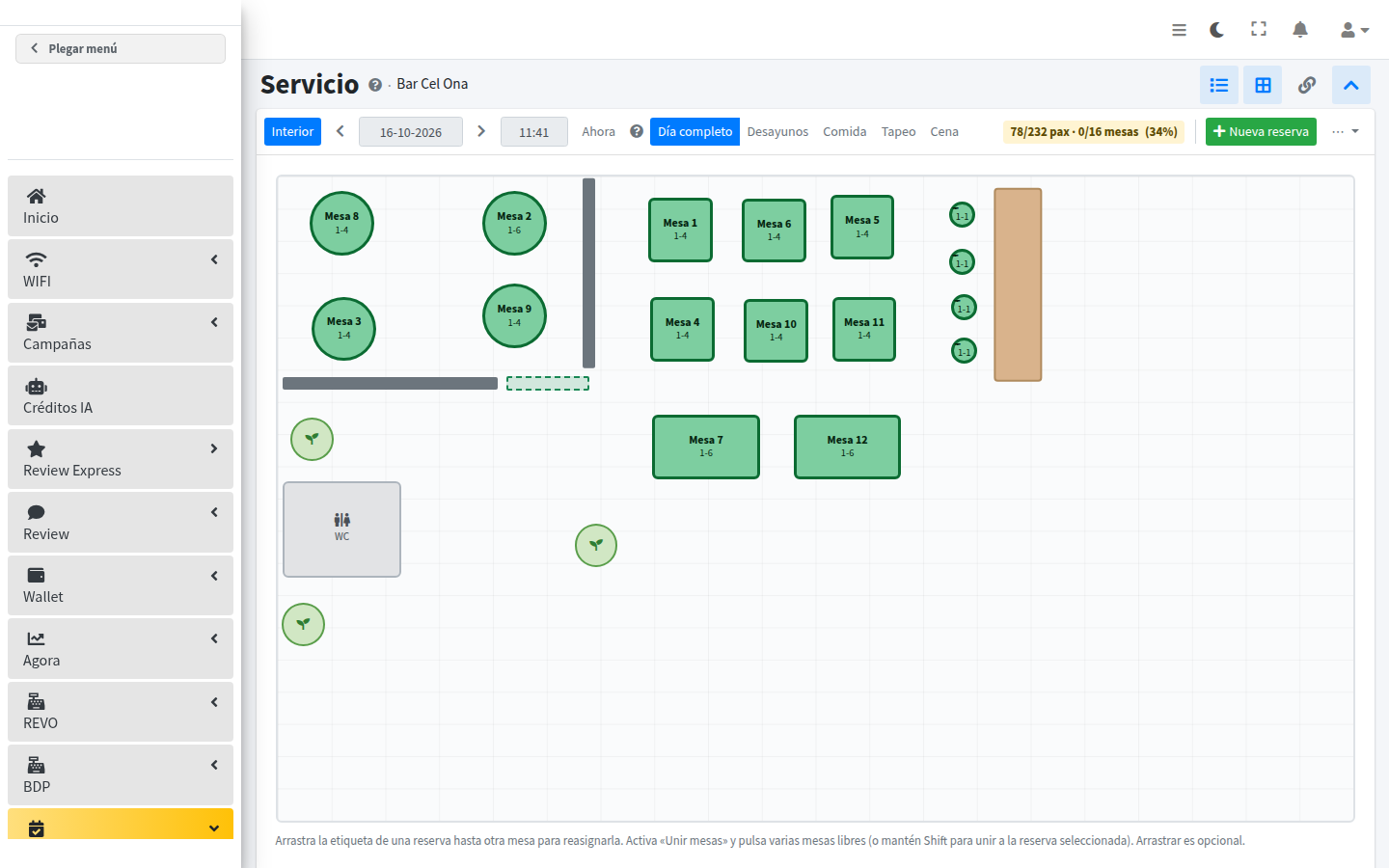
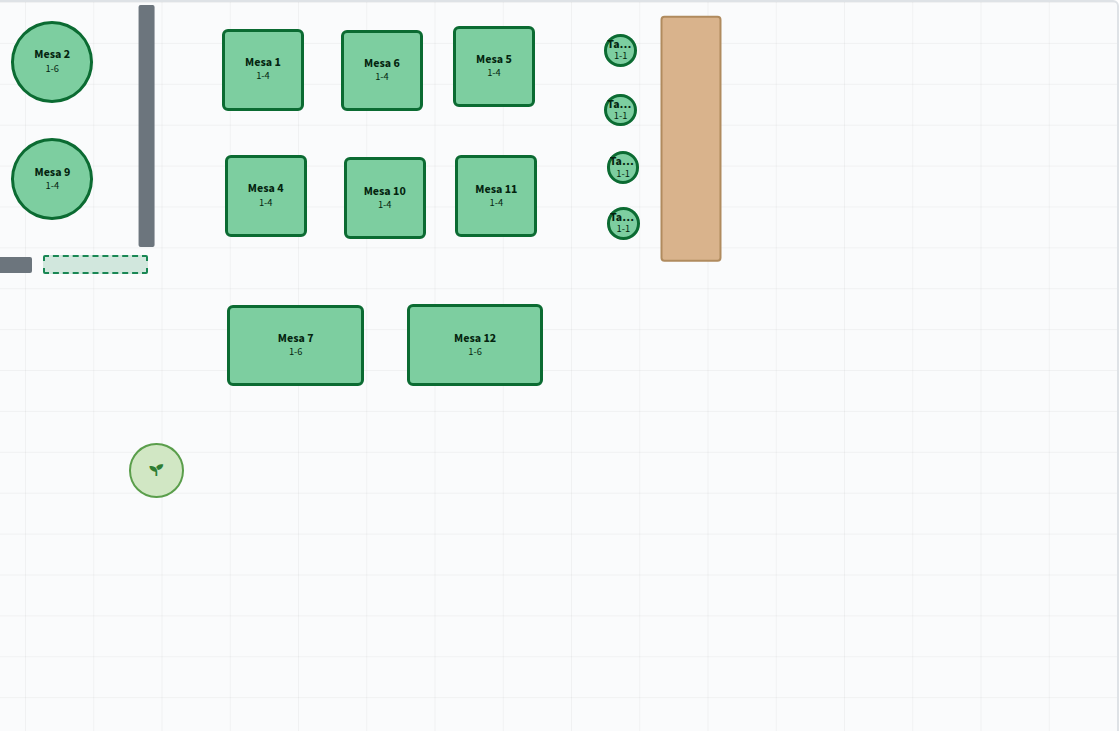
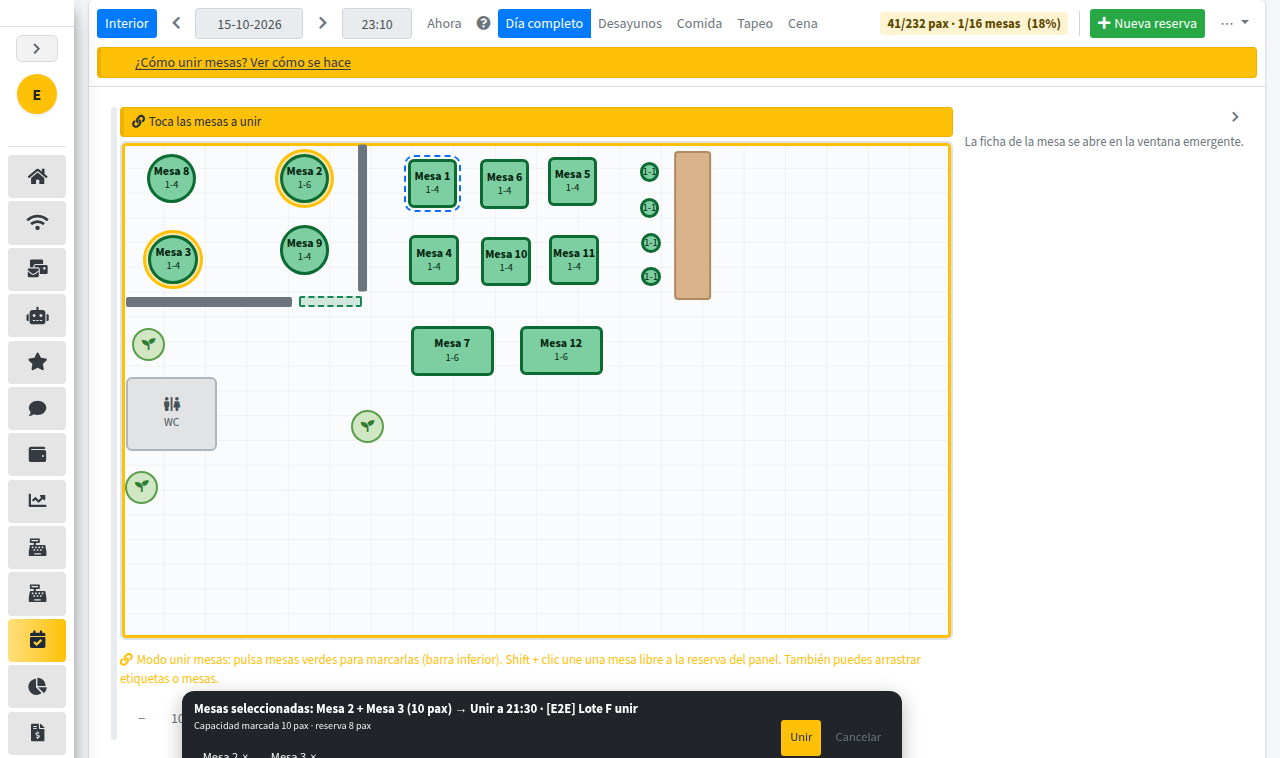
- Table floor planThe room as a plan, table by table.
- Instant confirmationThe guest confirms and the booking is made.
- Changes and cancellationsThe guest can change or cancel the booking.
- NoticesEmail and WhatsApp when it is time to notify.
- A page per venueA public page with the restaurant name and the button to book.
The floor, during service
Starter plan, free
For restaurants that are already Adhoc Wi-Fi, Wallet or campaign customers: Reservations switched on at no cost for 3 to 6 months, a public page for the venue, and a link ready for the Google Business Profile.
How to start
- 01Write to us and we turn the venue on.
- 02We check the public page, copy the link and place it on your Business Profile.
- 03Within a few days Google shows the Reserve button.